Expert Guides & Solutions for Faster, Safer, and Smarter Computing
Posts by mitz2
About mitz2
My fascination with computers began during the era of the VIC-20 and Commodore 64. Back then, before Windows software existed, everything had to be done through the command line interface. I spent countless hours mastering the command line, learning to navigate and operate these early machines. This hands-on experience laid the foundation for my deep understanding and passion for technology. As computers evolved, so did my skills and interest, adapting to new advancements and continuously exploring the limitless possibilities they offered. I started building computers and then websites from scratch, long before tools like WordPress made the process easier. Now I am obsessed with AI.
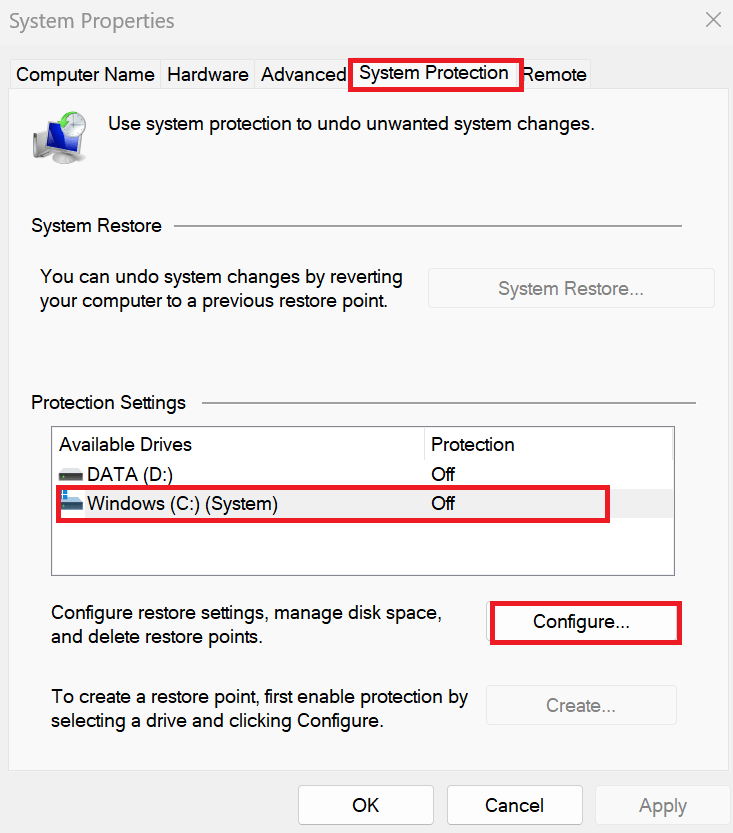
Learn how to enable system protection in Windows to safeguard your data and create restore points. Follow our step-by-step guide to configure system protection and enhance your system's security and recovery options.
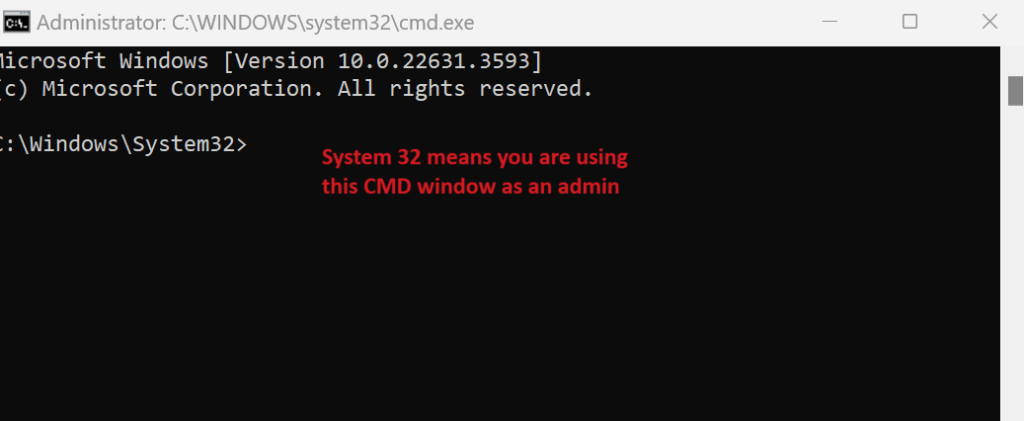
Learn how to run a batch file from the Command Prompt with this step-by-step guide. Discover how to navigate directories, execute scripts, and handle administrative privileges for batch file operations in Windows.
Connecting and using external devices such as USB devices, printers, scanners, and external hard drives on Windows 11 is straightforward. This tutorial will guide you through the process of connecting, installing, and setting up these devices.
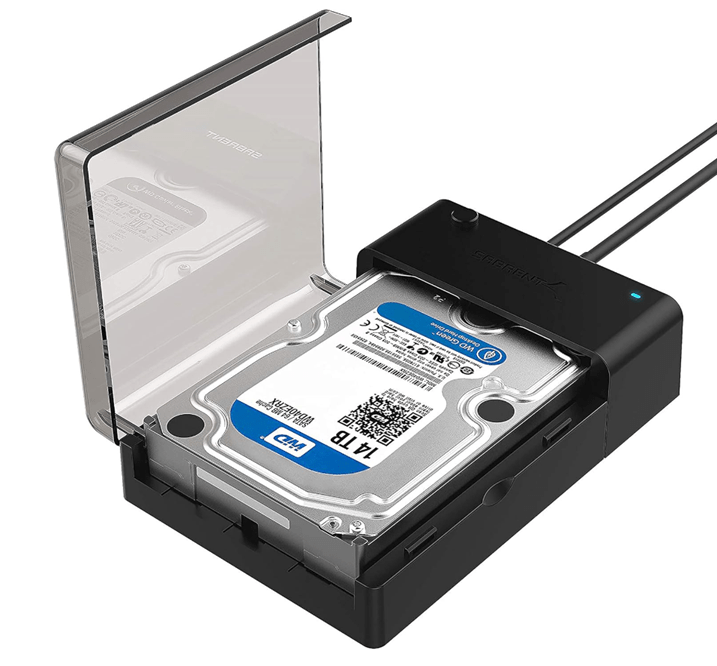
Formatting a hard drive is a process that prepares it for use by an operating system, erasing all existing data and setting up a file system. This guide will walk you through formatting both internal and external hard drives and highlight important considerations.
Learn how to organize files on your computer with this step-by-step tutorial. Discover tips for effective file management, setting folder views, and decluttering your digital workspace. Keywords: organize files on computer, file organization tutorial, computer file management, organize computer folders, file management tips, digital organization.
If you have accidentally deleted files or your hard drive has become corrupted, there are built-in tools in Windows that you can use to attempt to recover your files. Here’s…
Learn how to access and repair the Boot Configuration Data (BCD) to resolve Windows boot issues. This guide explains the difference between BCD and MBR, and provides step-by-step instructions using bcdedit, bootrec, and bootsect.exe.
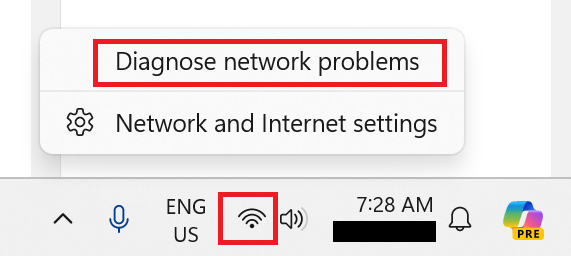
Discover 20 quick fixes for common computer problems with step-by-step instructions. Learn how to troubleshoot slow performance, software crashes, connectivity issues, and more to keep your system running smoothly.