Expert Guides & Solutions for Faster, Safer, and Smarter Computing
Posts by Mitz
About Mitz
My fascination with computers began during the era of the VIC-20 and Commodore 64. Back then, before Windows software existed, everything had to be done through the command line interface. I spent countless hours mastering the command line, learning to navigate and operate these early machines. This hands-on experience laid the foundation for my deep understanding and passion for technology. As computers evolved, so did my skills and interest, adapting to new advancements and continuously exploring the limitless possibilities they offered. I started building computers and then websites from scratch, long before tools like WordPress made the process easier. Now I am obsessed with AI.
When you ask people how to speed up Windows XP, they usually tell you to reinstall Windows. Although that’s an effective option, it also wipes out any data you don’t backup first, making it something you only want to do as a last resort.
Discover 7 free ways to repair your computer at home. Learn how to troubleshoot and fix common computer problems with these easy DIY tips. Keep your computer running smoothly without spending a dime on professional services.
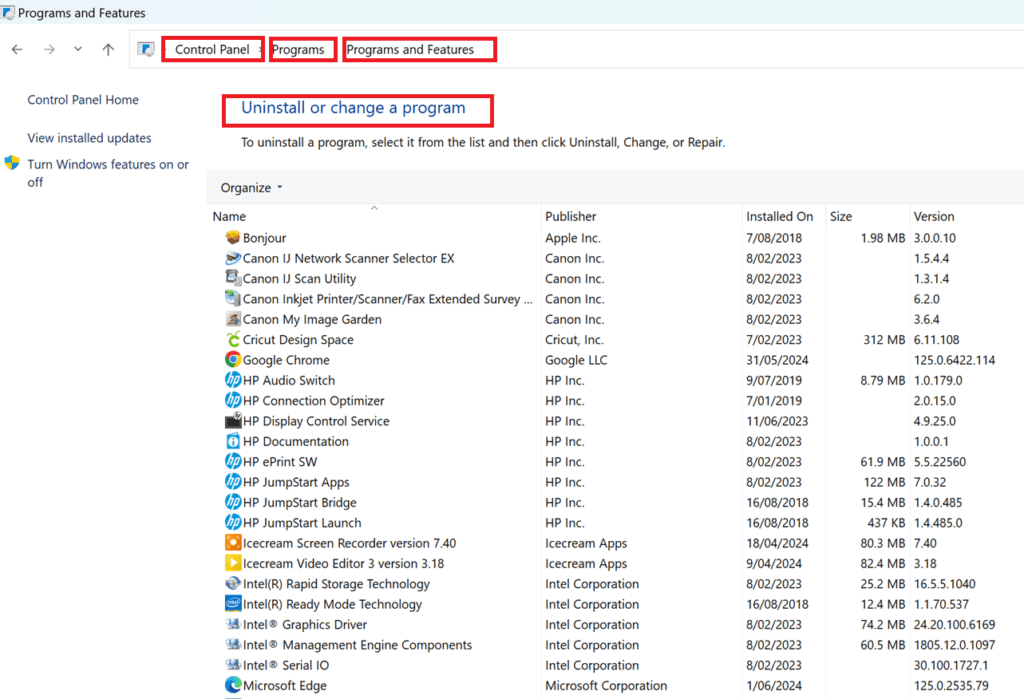
Learning how to uninstall computer programs is easy, but must be done the right way.
Maybe you share your computer with others in your house who keep installing applications one after the other
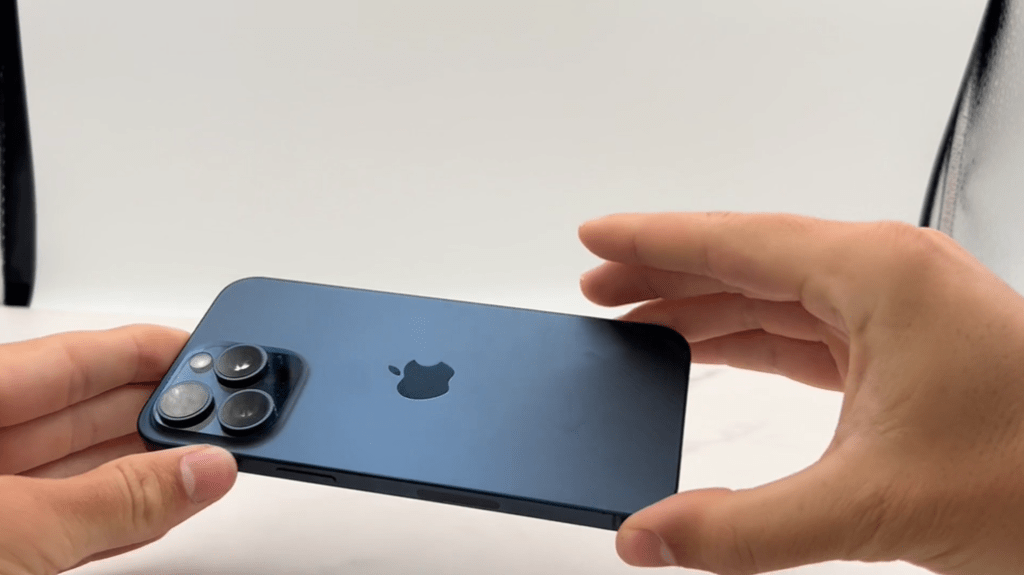
Here are ten smartphones that have been praised by creators for their ability to boost productivity and quality, along with real examples and surprising features:
Creating a simple batch file to backup files or folders is a powerful and efficient way to automate the process of moving, copying, and backing up any file you like. A batch file is essentially a text file saved with a .bat extension, which executes DOS commands contained in the file when double-clicked.
Is your computer not recognizing USB devices? Learn how to troubleshoot and fix USB recognition issues with our step-by-step guide. Discover solutions for common USB problems and ensure your devices connect seamlessly.
Discover the real story behind hard drive data recovery. Learn about the complex, costly, and labor-intensive process involved in restoring lost data, including drive restoration, disk imaging, and data extraction. Keywords: hard drive data recovery, data recovery process, drive restoration, disk imaging, data extraction.