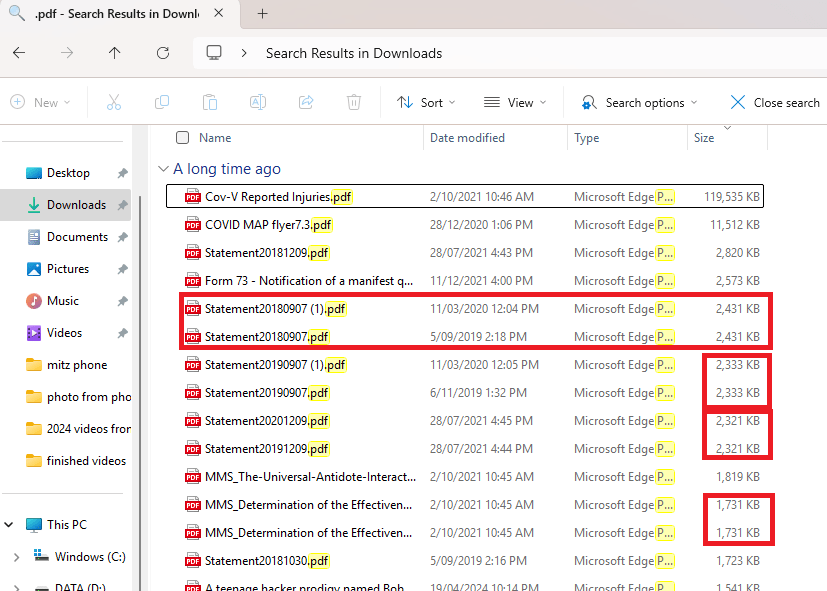
Duplicate files waste valuable storage space and can slow down your Windows computer. It can be part of your computer maintenance ritual. Follow these methods to find and remove duplicate…
Managing your digital photo library can feel overwhelming, but with a structured approach, you can keep your collection organized and easily accessible. Follow these step-by-step instructions to create a clutter-free…
If you want to maximize your productivity, you need to keep files organized so you can find them quickly and ensure they’re backed up. Although organizing your files the first time can be a hassle—kind of like spring cleaning—it’s easy to keep files organized afterwards.
Knowing how to cut, copy and paste text or pictures can be extremely useful for everyday computer use. I use these easy tools at least a hundred times a day. You can cut, copy and paste text, pictures, html, emails, and more.
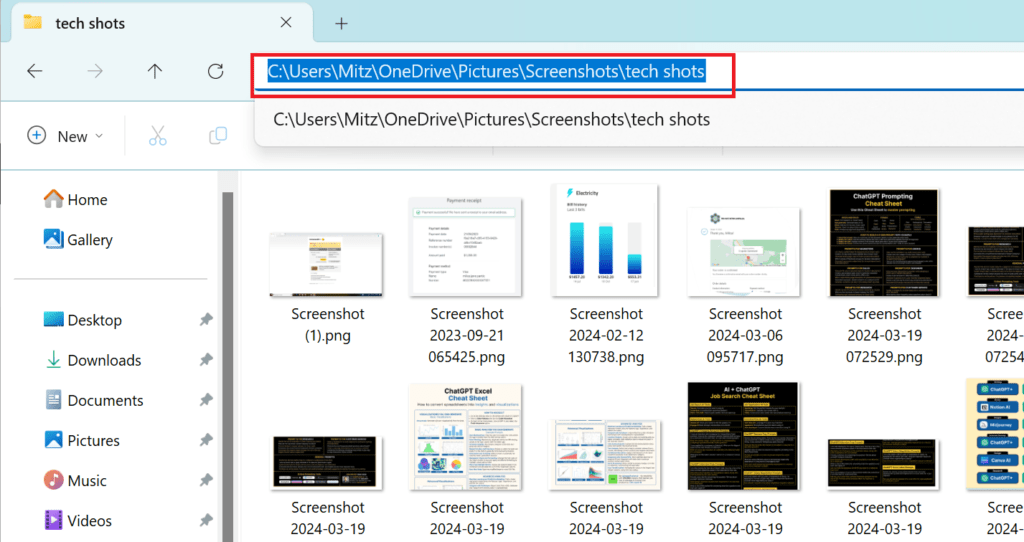
Learn how to find and copy the path to a folder or file on your computer in Windows XP, Vista, and 7. This tutorial provides step-by-step instructions for navigating and locating file paths, including how to handle hidden files.
Learn what file extensions are, how to show file extensions, and which programs open them on Windows and Mac. This guide covers video, audio, image, text, install, and compressed files—helping you manage your files effectively and confidently.
Transferring files between your Samsung phone and your computer is a common task, whether it’s to back up photos, share documents, or free up space on your phone. This guide…
Learn how to run a batch file from the Command Prompt with this step-by-step guide. Discover how to navigate directories, execute scripts, and handle administrative privileges for batch file operations in Windows.