Skip to content
Tech Pc Tips

Expert Guides & Solutions for Faster, Safer, and Smarter Computing

  • Home
  • Privacy Policy
  • About Us
  • Terms and Conditions

Windows Command Line

  • Home
  • Windows Command Line
  • Page 2
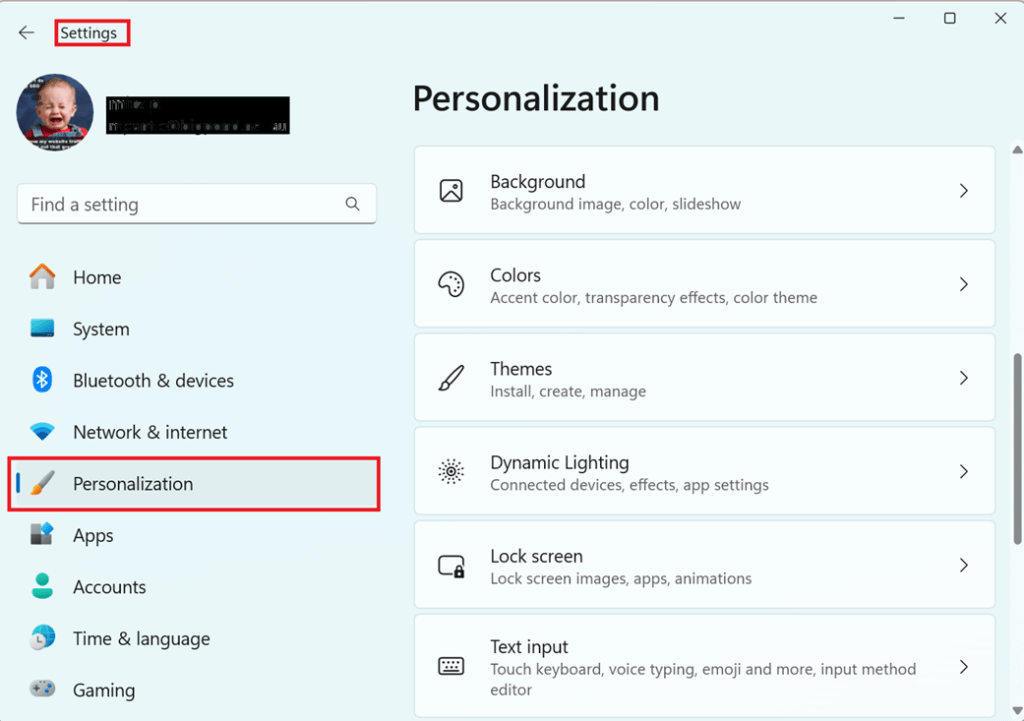
Windows settings- personalization
Posted inSystem Utilities

Detailed Explanation of Different System Settings in Windows 11

Windows 11 includes a variety of system settings that allow users to customize and optimize their computing experience. Here’s a detailed look at the key system settings available in Windows…
Posted by mitz2 May 29, 2024
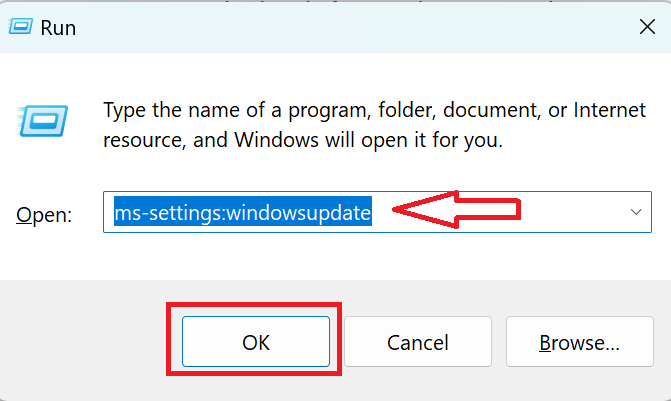
Run windows updates from the run dialog box
Posted inRun Commands Windows Tips and Tricks

How to Access Windows Updates from the Run Command

Accessing Windows Updates directly from the Run command can save time and streamline the process of keeping your system up to date or when you need to fix Windows Updates.…
Posted by mitz2 May 29, 2024
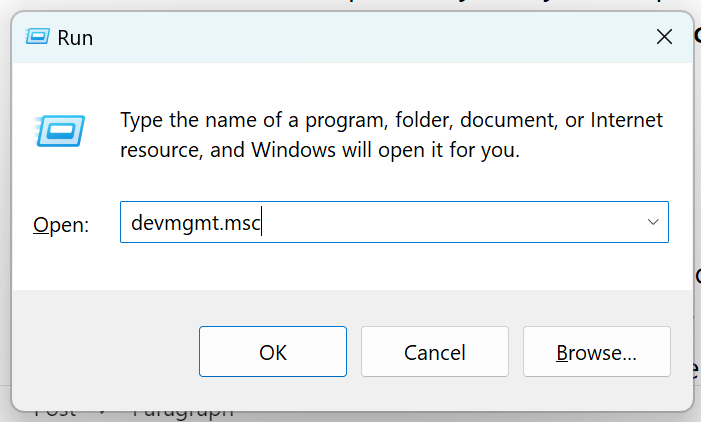
A screenshot of the Windows Run command box with a command being typed
Posted inRun Commands

20 Essential Run Commands for Windows: Optimize and Manage Your PC Like a Pro

Essential Run commands can significantly improve your efficiency and help you troubleshoot and manage your Windows PC effectively. Here are twenty must-know Windows Run commands that every user should be familiar with
Posted by Mitz May 23, 2024

Posts pagination

Previous page 1 2

Recent Posts

  • Fix Windows Update Not Working
  • The System File Checker: What It Is and How to Use It
  • How to Fix Windows Crashes, Freezes, and Blue Screens Using SFC and DISM
  • How to Apply Folder Templates in Windows 10 and 11
  • How To Use Windows Firewall for PC Protection – Beginner’s Guide

Disclosure:

This site uses AdSense and affiliate links. I may earn from clicks or purchases made through these links, at no extra cost to you. Thanks for your support!

Navigation
  • Home
  • Privacy Policy
  • About Us
  • Terms and Conditions
Copyright 2026 — Tech Pc Tips. All rights reserved. Bloghash WordPress Theme
Scroll to Top