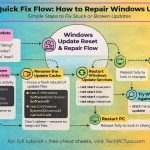
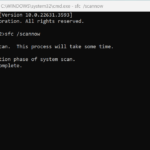
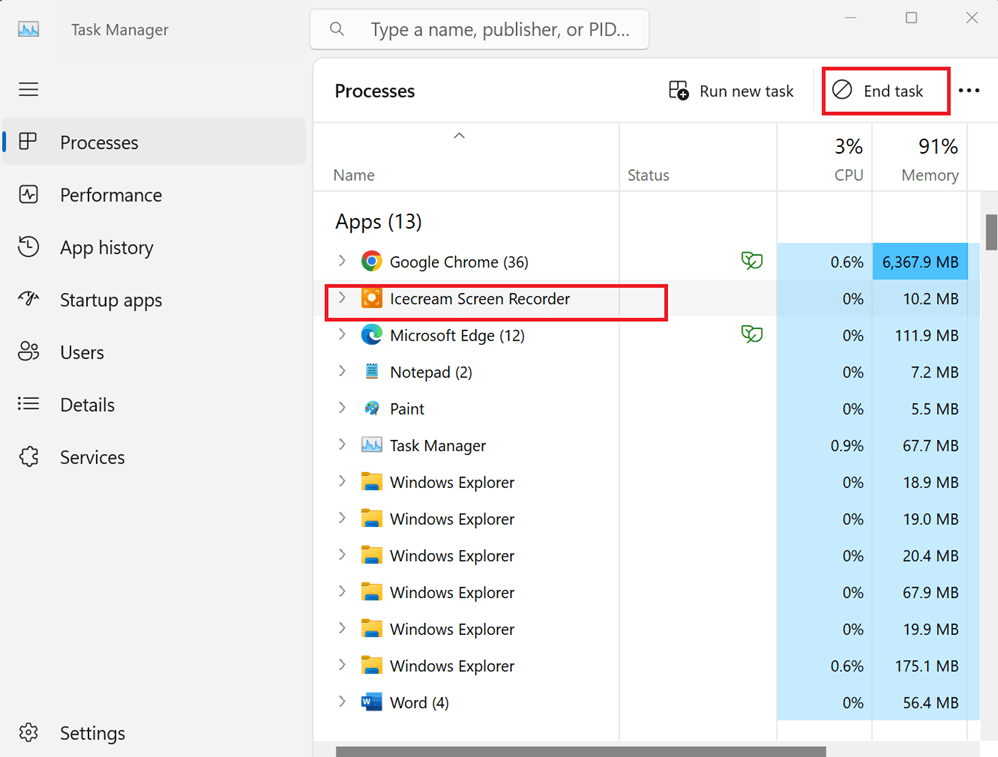
If your Windows PC keeps crashing, freezing, or showing the dreaded Blue Screen of Death (BSOD), don’t panic. Before paying for costly repair tools, try these two powerful built-in solutions:…
Learn how to apply folder templates in Windows to turn any folder into a music, pictures, or videos folder. Customize your folders for slideshows, playlists.
Learn how to use Windows Firewall for PC protection. This beginner’s guide covers firewall settings, blocking programs, creating rules, and boosting network security.


Wondering why your computer is running slow? Learn 5 common causes like low RAM and startup apps, plus easy fixes to speed up your PC and boost performance.

Are you unknowingly putting yourself at risk online? Learn how to identify and prevent common cyber security threats. Find out if you're an unwitting cyber security terrorist and get tips to protect your personal information and stay safe on the internet.
When you ask people how to speed up Windows XP, they usually tell you to reinstall Windows. Although that’s an effective option, it also wipes out any data you don’t backup first, making it something you only want to do as a last resort.
Discover 7 free ways to repair your computer at home. Learn how to troubleshoot and fix common computer problems with these easy DIY tips. Keep your computer running smoothly without spending a dime on professional services.
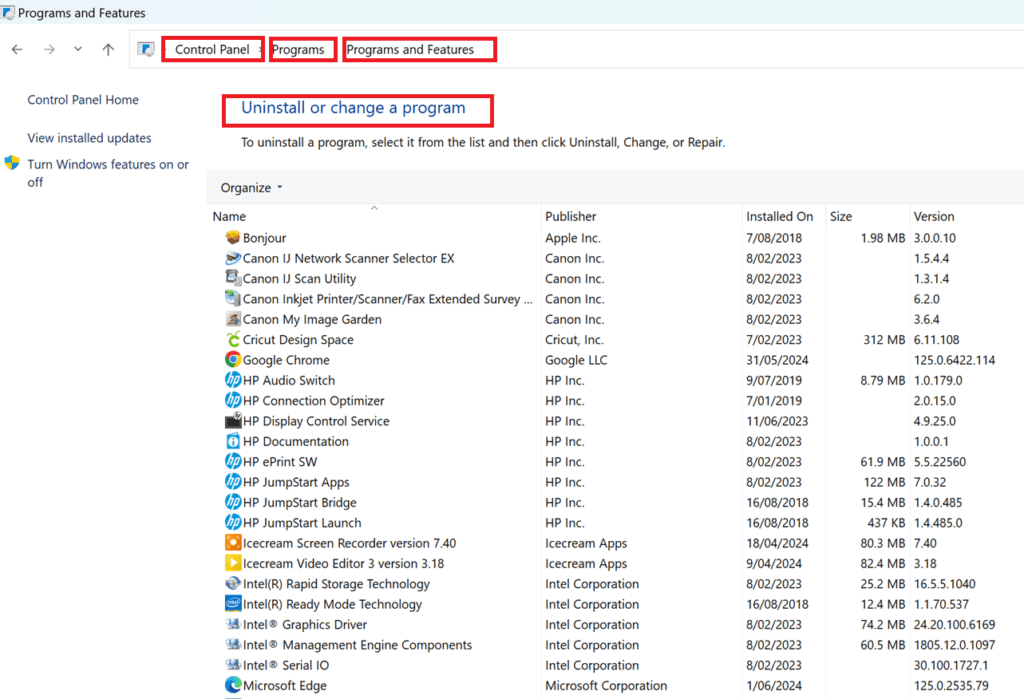
Learning how to uninstall computer programs is easy, but must be done the right way.
Maybe you share your computer with others in your house who keep installing applications one after the other
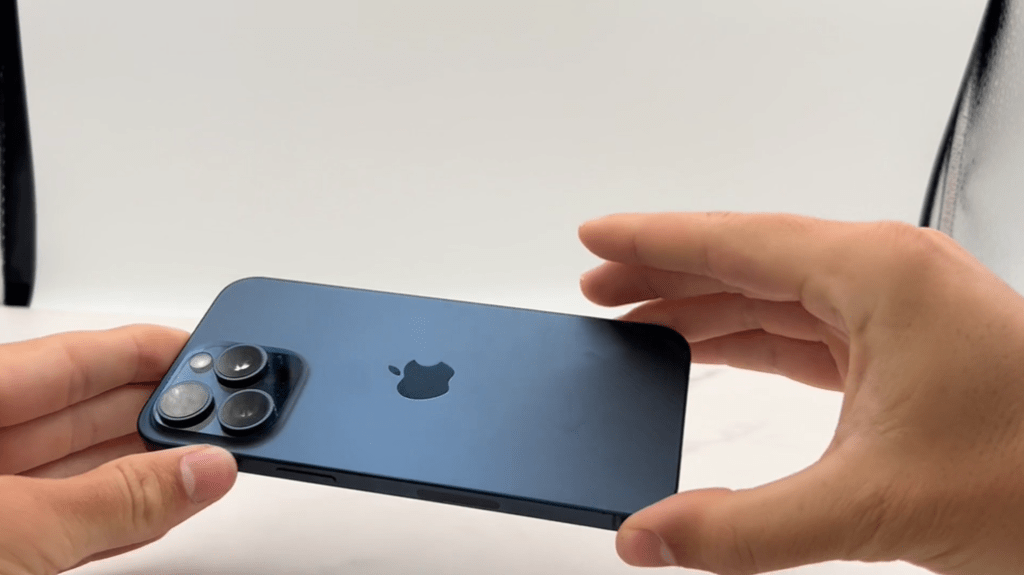
Here are ten smartphones that have been praised by creators for their ability to boost productivity and quality, along with real examples and surprising features:
Creating a simple batch file to backup files or folders is a powerful and efficient way to automate the process of moving, copying, and backing up any file you like. A batch file is essentially a text file saved with a .bat extension, which executes DOS commands contained in the file when double-clicked.
Is your computer not recognizing USB devices? Learn how to troubleshoot and fix USB recognition issues with our step-by-step guide. Discover solutions for common USB problems and ensure your devices connect seamlessly.