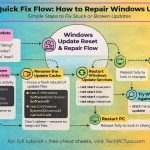
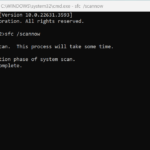
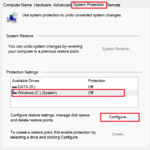
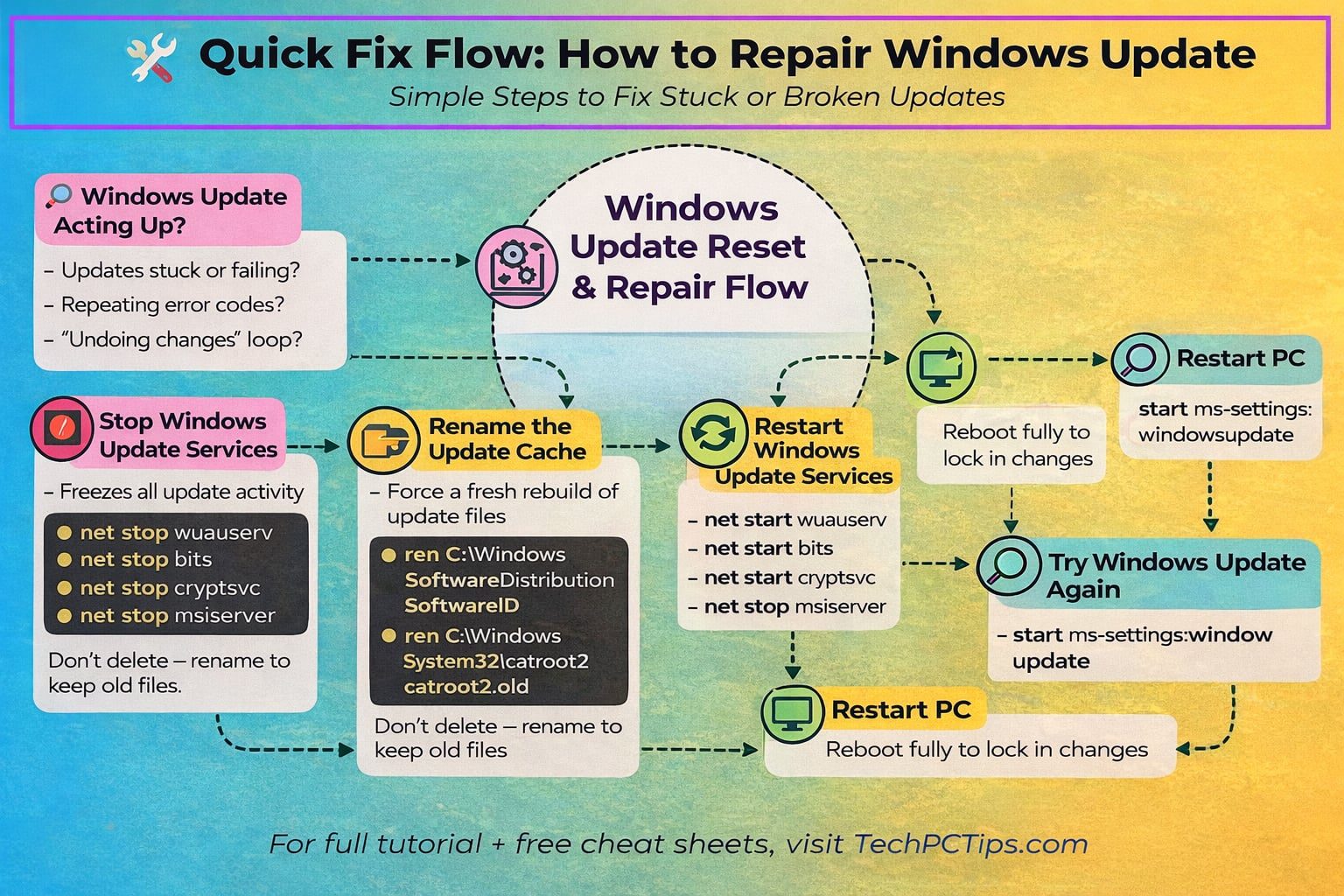
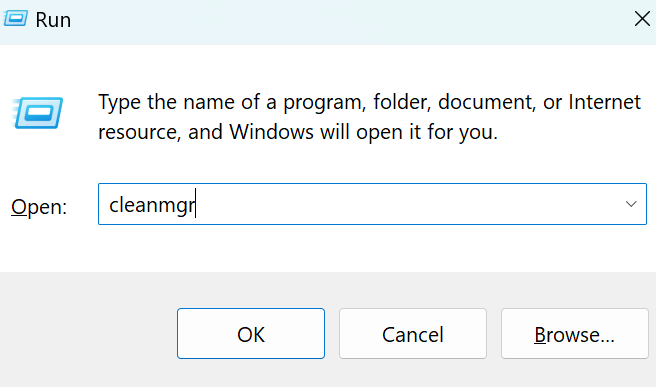
If your Windows PC keeps crashing, freezing, or showing the dreaded Blue Screen of Death (BSOD), don’t panic. Before paying for costly repair tools, try these two powerful built-in solutions:…
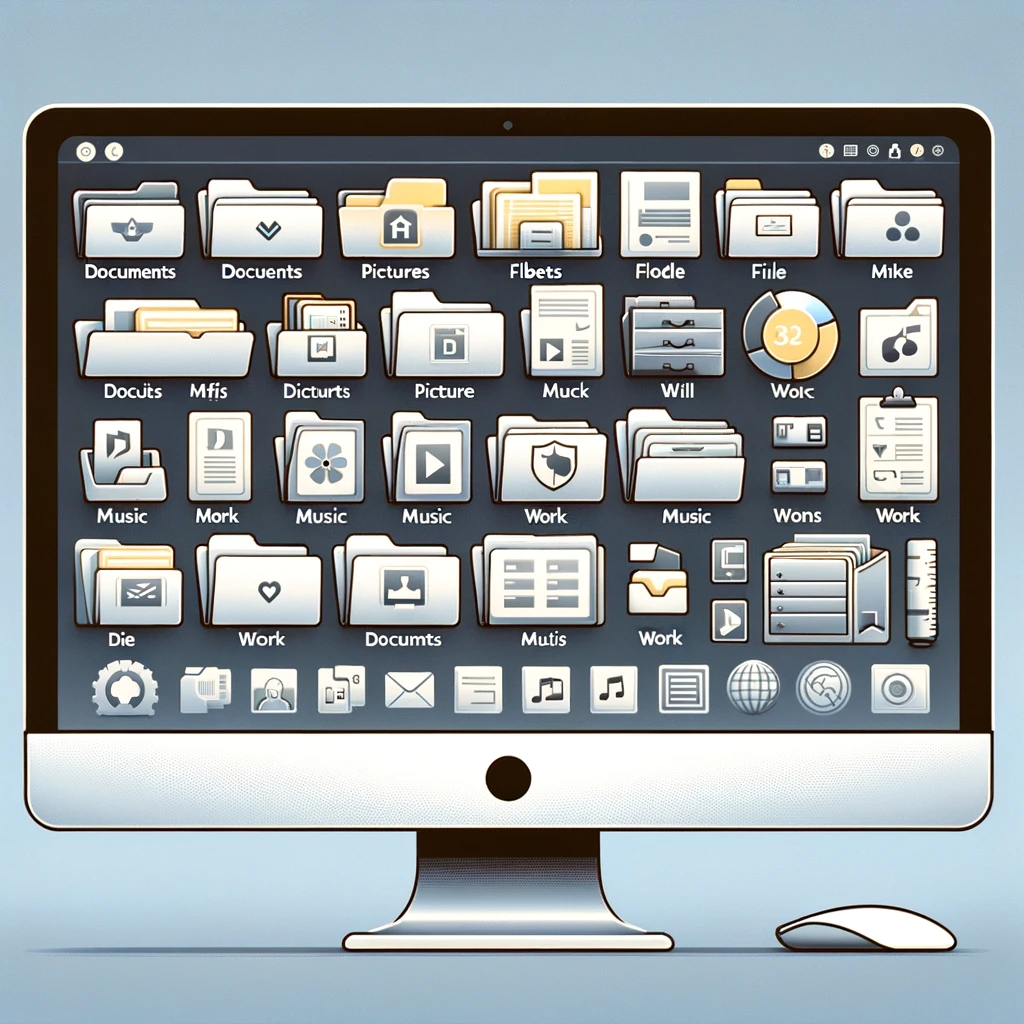
Learn how to apply folder templates in Windows to turn any folder into a music, pictures, or videos folder. Customize your folders for slideshows, playlists.
Learn how to use Windows Firewall for PC protection. This beginner’s guide covers firewall settings, blocking programs, creating rules, and boosting network security.


Wondering why your computer is running slow? Learn 5 common causes like low RAM and startup apps, plus easy fixes to speed up your PC and boost performance.

Booting into Safe Mode can help you troubleshoot and resolve various issues with your Windows operating system. Safe Mode starts Windows with a minimal set of drivers and services, making it easier to identify and fix problems.
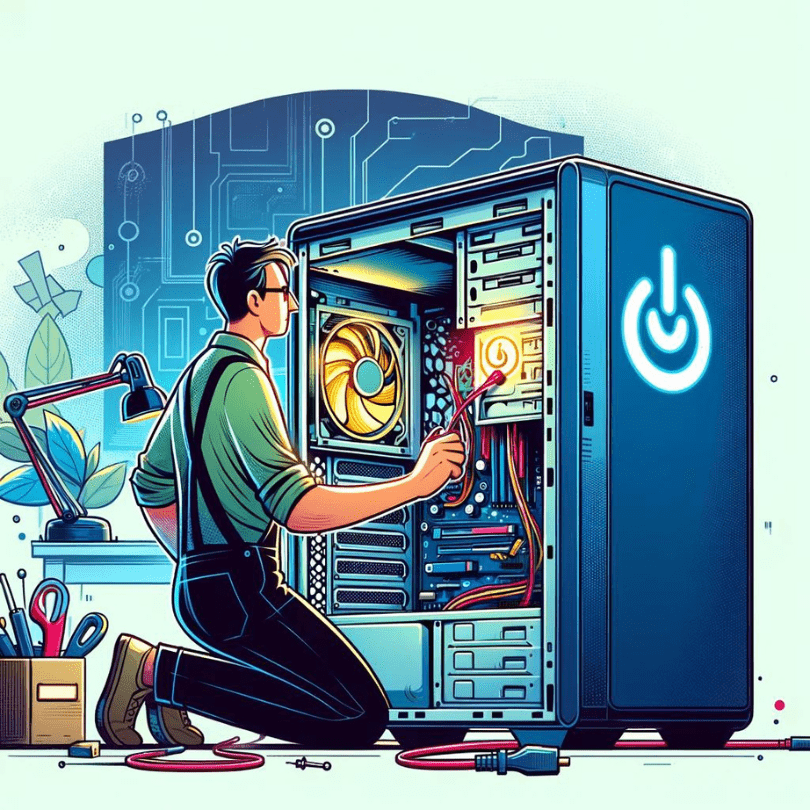
Troubleshoot and fix a computer that won’t start but shows a flashing power light. Follow step-by-step tips to diagnose and solve common startup issues.
Rarely do I come across a problem with a computer that I cannot diagnose, however when a computer has a black screen in windows it can stump me sometimes. A computer black screen on start up is a challenge for me and I always try to trouble shoot the problem manually
Files and folders are an important when it comes to using a computer because the computers entire existence is made up of files which are stored in folders. A group of files together form a software program which runs on your computer.
Learn about the different types of RAM, including SD RAM, DDR, DDR2, DDR3, DDR4, and DDR5. Understand how to identify and upgrade your computer memory for improved performance and efficiency.
Learn how to perform a disk cleanup on Windows XP, Vista, 7, 8, 10, and 11 to free up space and improve system performance. This guide provides step-by-step instructions for each version of Windows.