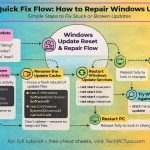
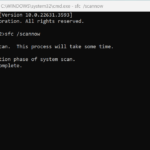
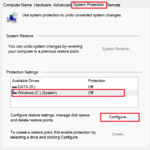
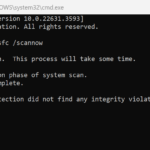
If your Windows PC keeps crashing, freezing, or showing the dreaded Blue Screen of Death (BSOD), don’t panic. Before paying for costly repair tools, try these two powerful built-in solutions:…
Learn how to apply folder templates in Windows to turn any folder into a music, pictures, or videos folder. Customize your folders for slideshows, playlists.
Learn how to use Windows Firewall for PC protection. This beginner’s guide covers firewall settings, blocking programs, creating rules, and boosting network security.


Wondering why your computer is running slow? Learn 5 common causes like low RAM and startup apps, plus easy fixes to speed up your PC and boost performance.
Learn how to prevent computer viruses and protect your PC with our comprehensive guide. Discover signs of infection, how to run virus scans, and tips for keeping your system safe.
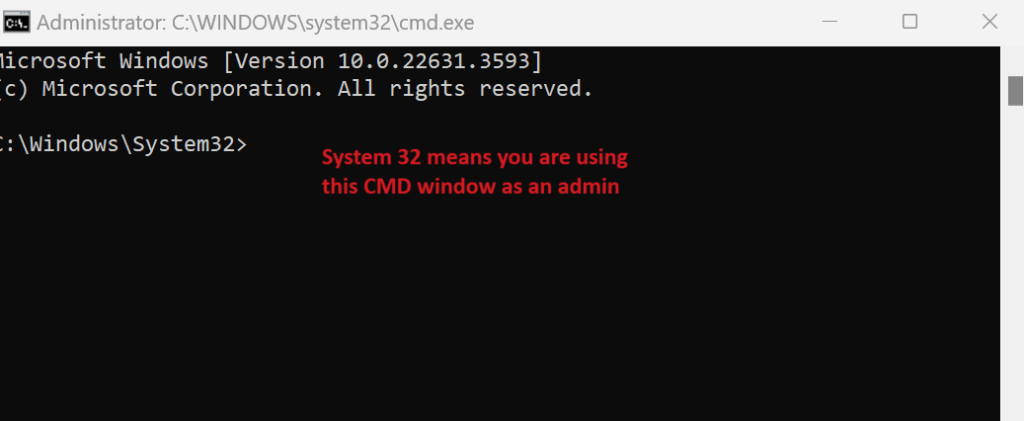
Learn how to run a batch file from the Command Prompt with this step-by-step guide. Discover how to navigate directories, execute scripts, and handle administrative privileges for batch file operations in Windows.
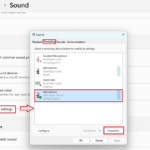
Connecting and using external devices such as USB devices, printers, scanners, and external hard drives on Windows 11 is straightforward. This tutorial will guide you through the process of connecting, installing, and setting up these devices.
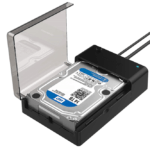
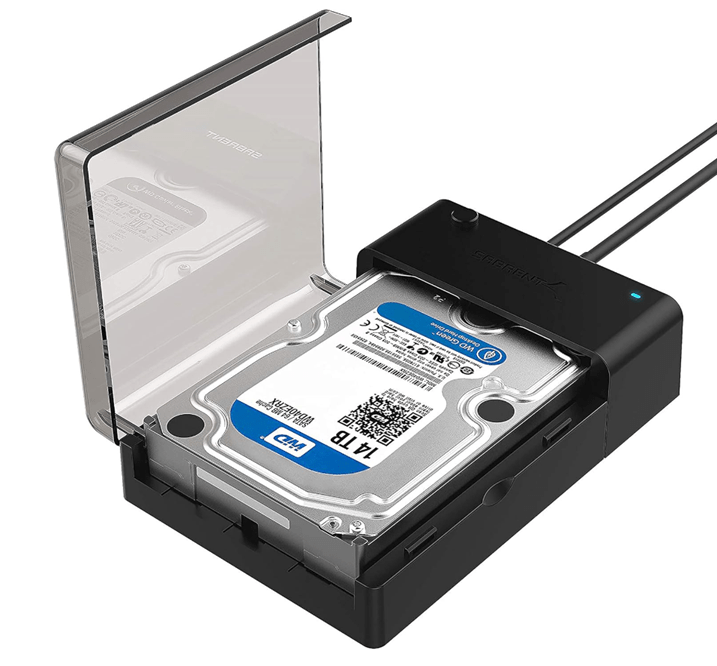
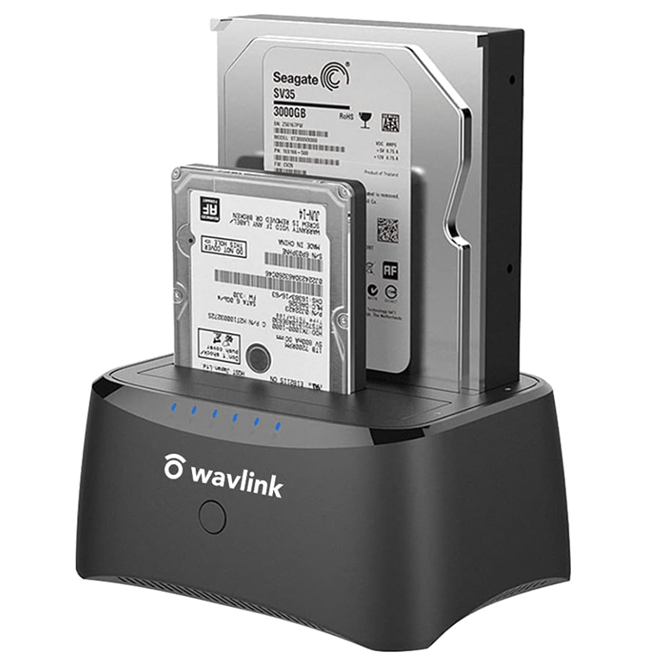
Looking to buy a hard drive docking station? Our comprehensive buying guide covers everything you need to know, including features, benefits, and how to choose the best hard drive dock for your needs. Learn about compatibility, dual bay options, and more.
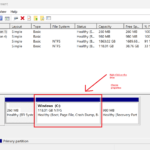
Formatting a hard drive is a process that prepares it for use by an operating system, erasing all existing data and setting up a file system. This guide will walk you through formatting both internal and external hard drives and highlight important considerations.
Learn how to organize files on your computer with this step-by-step tutorial. Discover tips for effective file management, setting folder views, and decluttering your digital workspace. Keywords: organize files on computer, file organization tutorial, computer file management, organize computer folders, file management tips, digital organization.
If you have accidentally deleted files or your hard drive has become corrupted, there are built-in tools in Windows that you can use to attempt to recover your files. Here’s…
Learn how to access and repair the Boot Configuration Data (BCD) to resolve Windows boot issues. This guide explains the difference between BCD and MBR, and provides step-by-step instructions using bcdedit, bootrec, and bootsect.exe.
When dealing with boot issues or system configurations, understanding the roles of the Master Boot Record (MBR) and the Boot Configuration Data (BCD) is crucial. They might sound similar to the average computer user, but they serve different purposes in the boot process of a Windows operating system. Let’s break down their differences and functionalities to make them more understandable.
Discover 20 quick fixes for common computer problems with step-by-step instructions. Learn how to troubleshoot slow performance, software crashes, connectivity issues, and more to keep your system running smoothly.