Skip to content
Tech Pc Tips

Expert Guides & Solutions for Faster, Safer, and Smarter Computing

  • Home
  • Privacy Policy
  • About Us
  • Terms and Conditions

windows xp

  • Home
  • windows xp
DIY computer repair
Posted inTroubleshooting and Support Windows Optimization

How To Format a Computer Using a Windows XP disc

Learning how to format windows xp used to be a task that was reserved for professional IT guys only. Even though I know how to format a computer, it took me a few goes to be comfortable with the process. Learn how to format windows xp and then doing it themselves.
Posted by Mitz January 1, 2025
find a file or folder path windows
Posted inFile Systems

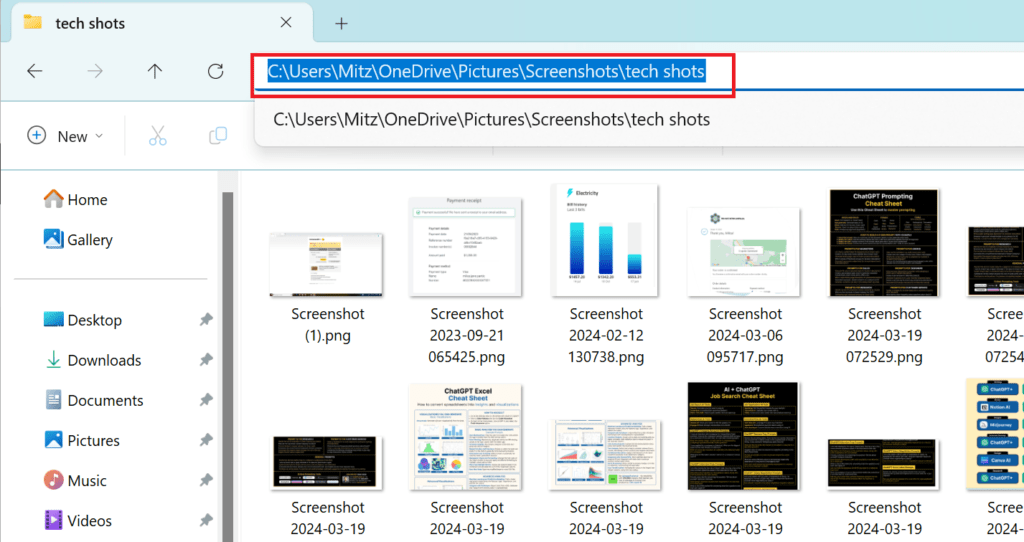
How to Find and Copy the Path to a File or Folder in Windows

Learn how to find and copy the path to a folder or file on your computer in Windows XP, Vista, and 7. This tutorial provides step-by-step instructions for navigating and locating file paths, including how to handle hidden files.
Posted by Mitz January 1, 2025
speed up your computer
Posted inWindows Settings

Windows Control Panel: Key Features and Access Guide

Posted by Mitz June 4, 2024
add or remove programs
Posted inWindows Optimization

How To Speed Up Windows XP Without Reinstalling

When you ask people how to speed up Windows XP, they usually tell you to reinstall Windows. Although that’s an effective option, it also wipes out any data you don’t backup first, making it something you only want to do as a last resort.
Posted by Mitz November 24, 2012
add or remove programs
Posted inComputer Maintenance Troubleshooting and Support

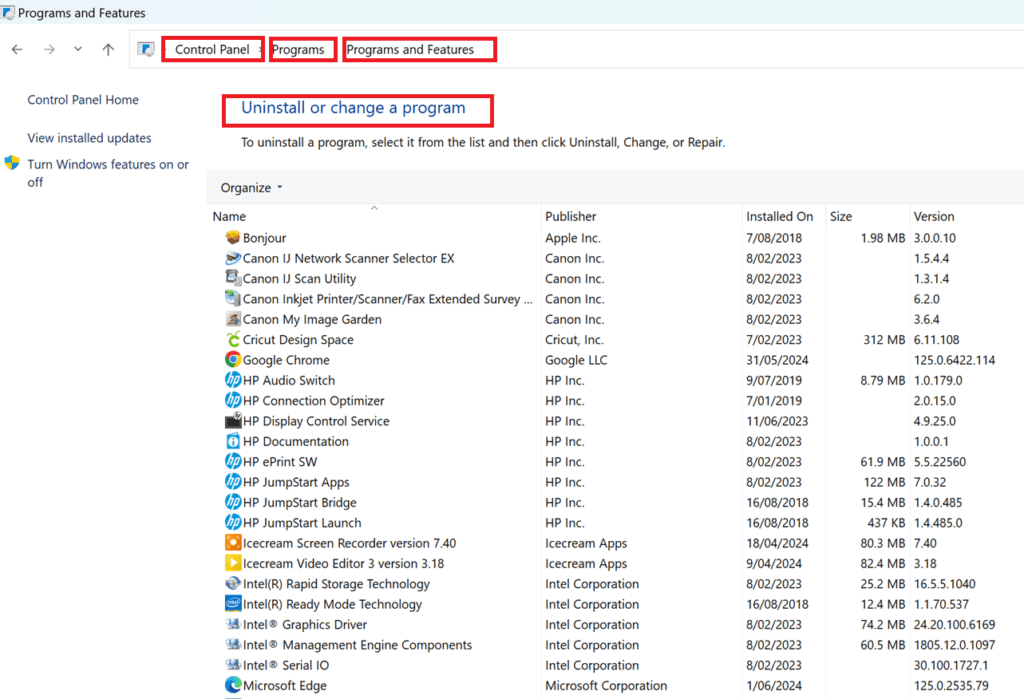
How to Add, Change, or Remove Programs and Components in Windows XP and Windows 11

Learn how to add, change, or remove programs and components in Windows XP and Windows 11 with this comprehensive guide. Follow our step-by-step instructions to manage your software effectively.
Posted by Mitz July 12, 2012
disk cleanup
Posted inComputer Maintenance

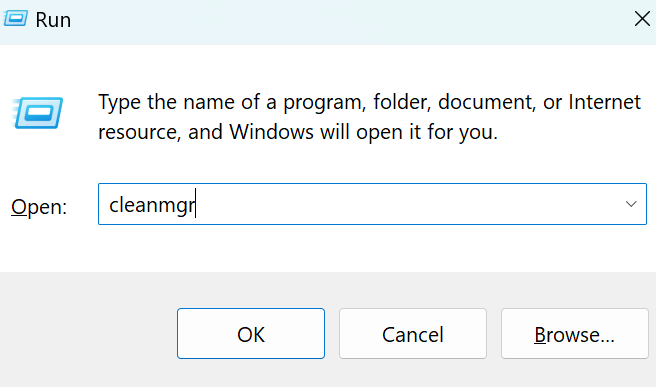
Performing Disk Cleanup on Windows: A Complete Guide

Learn how to perform a disk cleanup on Windows XP, Vista, 7, 8, 10, and 11 to free up space and improve system performance. This guide provides step-by-step instructions for each version of Windows.
Posted by Mitz May 25, 2010

Recent Posts

  • Fix Windows Update Not Working
  • The System File Checker: What It Is and How to Use It
  • How to Fix Windows Crashes, Freezes, and Blue Screens Using SFC and DISM
  • How to Apply Folder Templates in Windows 10 and 11
  • How To Use Windows Firewall for PC Protection – Beginner’s Guide

Disclosure:

This site uses AdSense and affiliate links. I may earn from clicks or purchases made through these links, at no extra cost to you. Thanks for your support!

Navigation
  • Home
  • Privacy Policy
  • About Us
  • Terms and Conditions
Copyright 2026 — Tech Pc Tips. All rights reserved. Bloghash WordPress Theme
Scroll to Top