Skip to content
Tech PC Tips

Simple computer help from Mitz at Computer Basics
  • Home
  • Windows Help
  • PC Problems
  • Backups
  • Tech Reviews
  • Video Tutorials
  • All Tutorials

task manager

  • Home
  • task manager
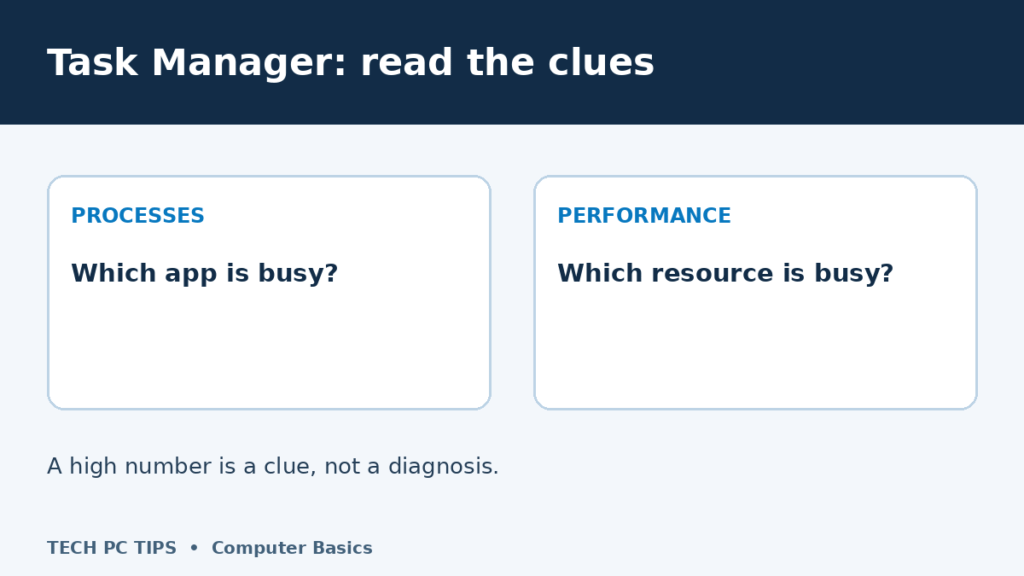
PROCESSES: Which app is busy?. PERFORMANCE: Which resource is busy?. A high number is a clue, not a diagnosis.
Posted inSystem Utilities

How to Use Task Manager in Windows 11 Without Closing the Wrong Thing

Learn to open Task Manager, understand CPU, memory and disk usage, close a frozen app carefully, and review Windows 11 startup apps.
Posted by Mitz November 20, 2026

Start here

New to Windows or just need a hand? Pick your next step.

  • Learn Windows 11 basics
  • Save and manage your files
  • Back up your computer
  • Find a tutorial by topic

Recent Posts

  • How to Use Task Manager in Windows 11 Without Closing the Wrong Thing
  • Slow Computer or Slow Internet? How to Tell the Difference
  • Fix Windows Update Not Working
  • The System File Checker: What It Is and How to Use It
  • Windows Crashes or Freezes? How to Use SFC and DISM

Prefer to watch?

I’m Mitz from Computer Basics. Find practical computer help with written steps here and videos to follow along.

Browse video tutorials

Meet Mitz

Disclosure:

This site uses AdSense and affiliate links. I may earn from clicks or purchases made through these links, at no extra cost to you. Thanks for your support!

Navigation
  • Home
  • Privacy Policy
  • About Us
  • Terms and Conditions
Copyright 2026 Tech PC Tips. Computer help from Mitz at Computer Basics. All tutorials | Video tutorials
Scroll to Top