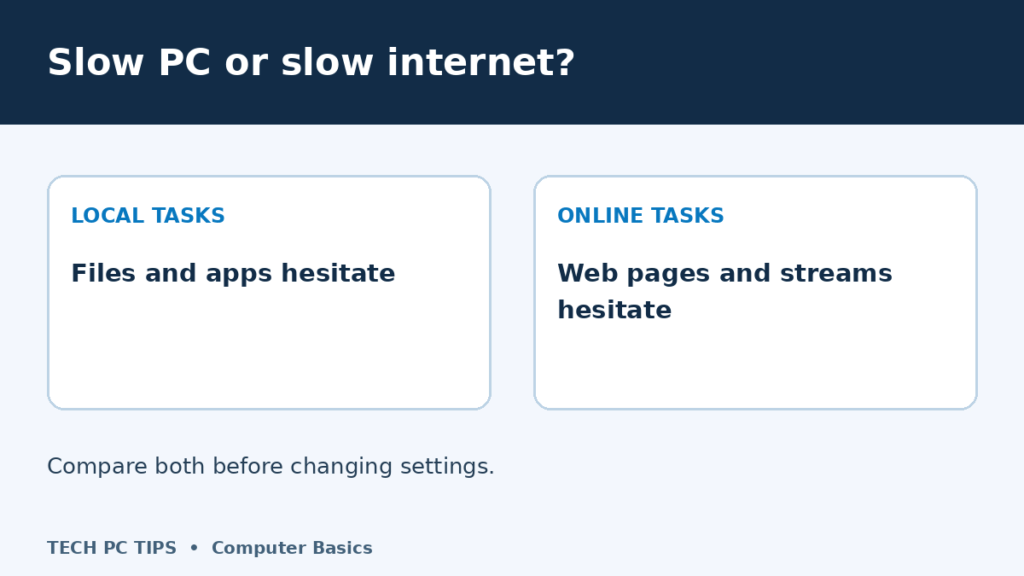

When friends and family called me for computer help, I would start with questions to pin down what was actually slow. A slow internet connection can make a perfectly capable computer look useless. You click a page, nothing happens, and the whole computer gets the blame. Before you buy more memory or ring your internet provider, work out what is actually slow.
The useful distinction is this: your computer does the work, while your internet connection carries information to and from online services. Either can hold things up. Sometimes both do.
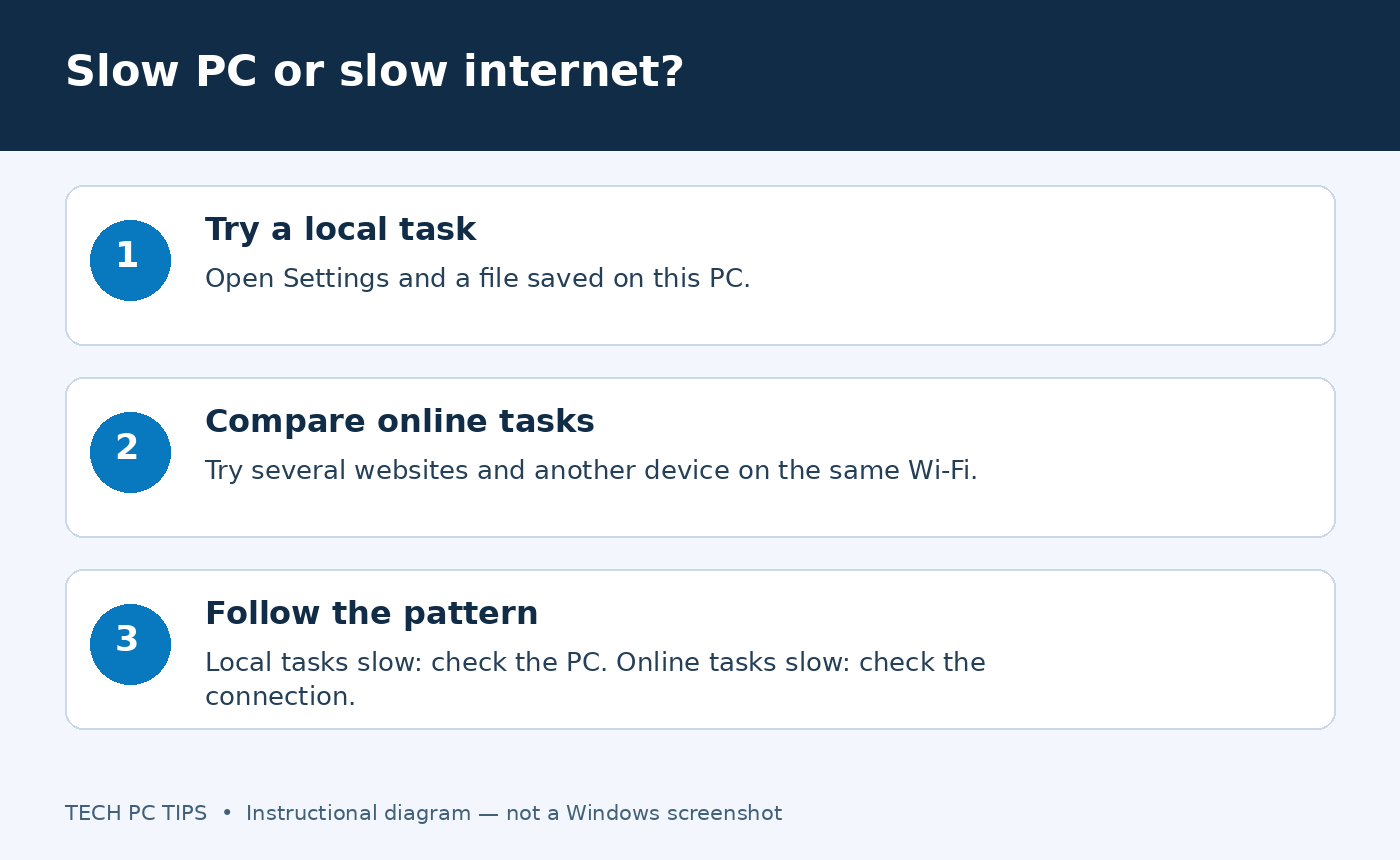
1. Try something that does not need the internet
- Open Windows Settings and move between a few pages.
- Open a small photo or document already saved on your computer. Choose a genuinely local file, rather than one that needs to download from cloud storage.
- Notice whether opening windows, typing and switching between apps feel normal.
If these tasks respond quickly but websites crawl, start with the connection, browser or website. If everything hesitates, investigate the computer too. A single sluggish program does not prove the whole PC is slow.
2. Compare websites and devices
Open two or three unrelated websites. If only one is slow, the website itself may be having trouble. Try the same sites on another browser before changing system settings.
Next, use a phone or another computer on the same Wi-Fi. Make sure the phone is using Wi-Fi rather than mobile data. Compare at roughly the same time and near the same place.
- Several devices struggle online: investigate Wi-Fi, the router, your internet service or a wider outage.
- Only this computer struggles: check its browser, Wi-Fi connection and background activity.
- Only one room is slow: compare closer to the router; coverage or interference may be involved.
3. Use a speed test as a clue
Pause large downloads and streaming on your own devices, then run your internet provider’s recommended speed test. Record download speed, upload speed and latency. Repeat at another time or nearer the router if results vary.
A Wi-Fi test measures the whole route from that device; a poor result does not identify your provider as the cause. If you have a suitable Ethernet cable and port, comparing a wired test can help separate Wi-Fi problems from the internet service. Keep other conditions similar.
4. Check what the computer is busy doing
Press Ctrl + Shift + Esc to open Task Manager. Look for an app doing heavy work while the slowdown happens. A cloud backup or game download can use the connection; an app using lots of processor time or memory can affect local work. Brief spikes are normal, so watch the pattern rather than one number.
For local slowdowns, work through five common reasons a computer runs slowly and the computer maintenance checklist. For online slowdowns, see problems that cause slow internet. If only Chrome is struggling, try the Chrome speed guide.
What should you do next?
Write down one clear example: “Settings opens normally, but three websites are slow on both my laptop and phone.” That is much more useful than “my computer is slow” when asking for help. Start with the part your comparisons point to, change one thing, then repeat the same test.

It’s a very common problem and mostly we solve it with the software tuneup360.
Hi, guys. I got same problem with you. I bought my Dell inspiron last Christmas. It worked sharp at the first few months, but got slow after that. It took about 15 mins to start up. I can even walk away and brew my coffee during waiting! I even thought about reinstall my computer! My friend recommended the software tuneup360 and Norton systemwork. I tried both. Norton did look really powerful and could do lots of thing, but it was too difficult for me and too expensive, while Tuneup360 is my type. I just need to click one big “fix now” button and get my computer fixed. Now my computer takes only 30 sec to start up.
I got both, a slow internet connection and a slow computer.
So at least one is not holding the other back. And they are both expensive to fix.
I’ve been thinking about putting a book next to my computer so I can get some reading done while I try to use the internet 🙂