Skip to content
Tech PC Tips

Simple computer help from Mitz at Computer Basics
  • Home
  • Windows Help
  • PC Problems
  • Backups
  • Tech Reviews
  • Video Tutorials
  • All Tutorials

Bluetooth

  • Home
  • Bluetooth
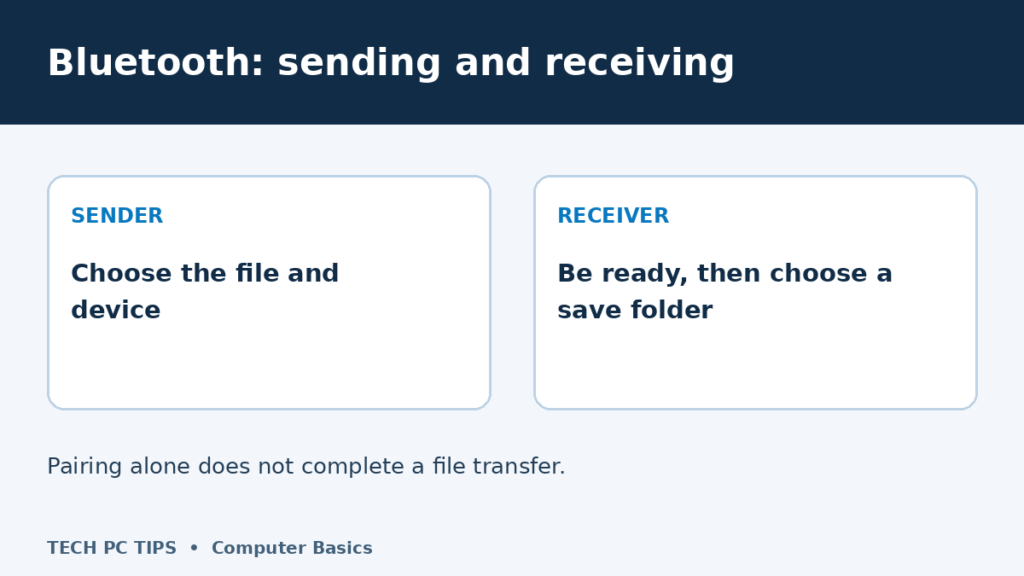
SENDER: Choose the file and device. RECEIVER: Be ready, then choose a save folder. Pairing alone does not complete a file transfer.
Posted inHardware and PC Building

Send and Receive Files Using Bluetooth in Windows 11

Transfer files over Bluetooth in Windows 11. Pair compatible devices, prepare the receiver, and choose where received files are saved.
Posted by Mitz November 28, 2026

Start here

New to Windows or just need a hand? Pick your next step.

  • Learn Windows 11 basics
  • Save and manage your files
  • Back up your computer
  • Find a tutorial by topic

Recent Posts

  • Send and Receive Files Using Bluetooth in Windows 11
  • Word Documents Opening in the Wrong App? Change the Default in Windows 11
  • How to Set Up a Printer in Windows 11: USB or Wi-Fi
  • Which Version of Windows Do I Have? Check Your Version and System Type
  • How to Use Task Manager in Windows 11 Without Closing the Wrong Thing

Prefer to watch?

I’m Mitz from Computer Basics. Find practical computer help with written steps here and videos to follow along.

Browse video tutorials

Meet Mitz

Disclosure:

This site uses AdSense and affiliate links. I may earn from clicks or purchases made through these links, at no extra cost to you. Thanks for your support!

Navigation
  • Home
  • Privacy Policy
  • About Us
  • Terms and Conditions
Copyright 2026 Tech PC Tips. Computer help from Mitz at Computer Basics. All tutorials | Video tutorials
Scroll to Top